
The short answer
How do you choose restaurant POS software?
Choose a POS around your actual service: sales channels, variants, payment, preparation and closing. Ask each supplier to demonstrate the same scenario, verify the compliance evidence relevant to your situation and compare the full cost, including hardware and support.
Editorial review: · BINOV (opens in a new tab)
How do you test a POS against your ordering workflows?
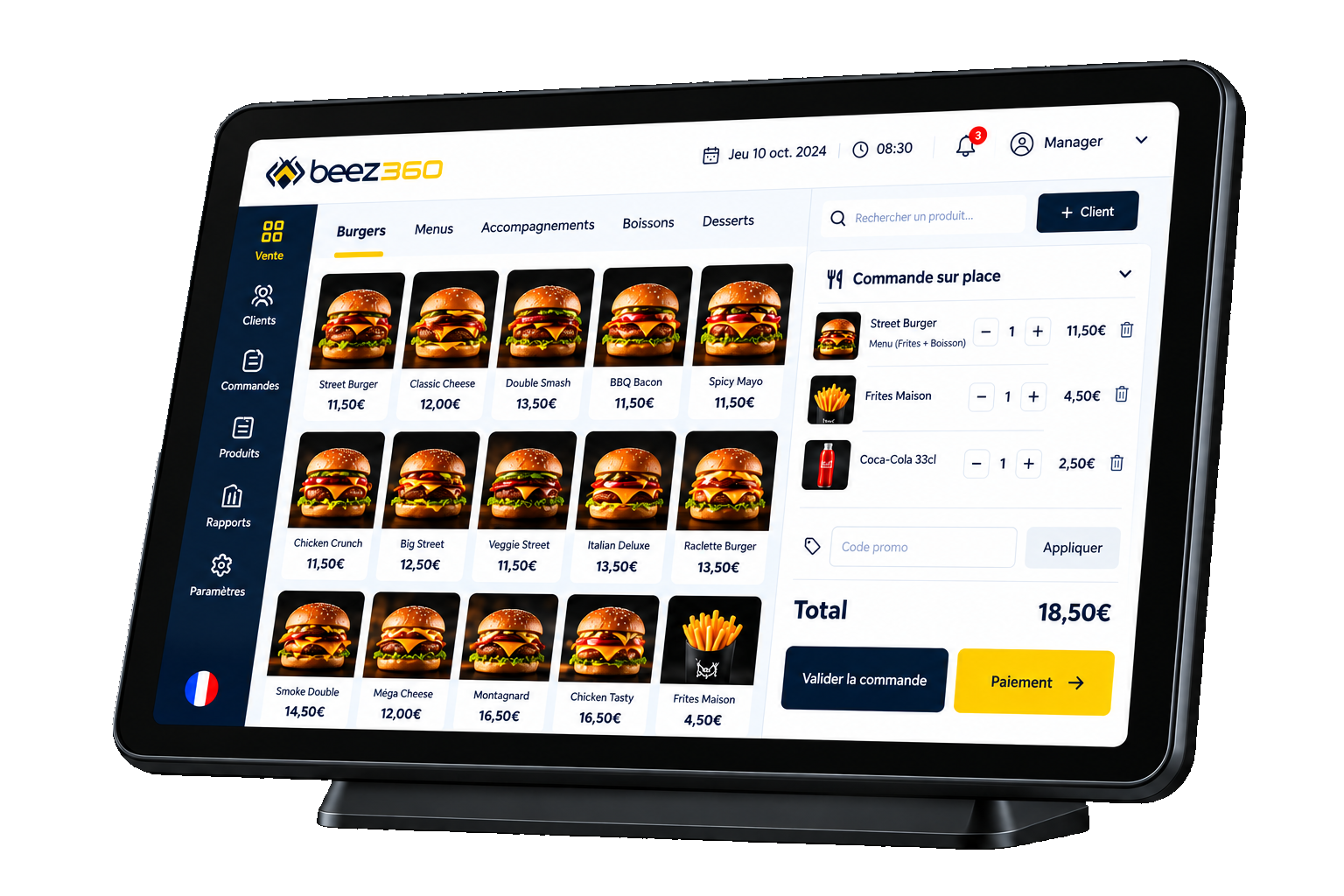
Test the POS on your own ordering scenarios, with your team. Describe a dine-in order, a takeaway order and a web order if that channel is relevant. Include a variant, a promotion, a customer association and a split payment. Ask a staff member to complete the scenario: a convincing interface must remain understandable in your service context.
Then identify what the kitchen needs to receive and what customers need to see at collection. A standalone POS may suit a simple operation; several channels or locations make consistent catalogs, statuses and reporting more important.
Which costs and dependencies should you assess?
Compare subscription, hardware, installation, training, maintenance and any payment or integration charges. Ask what happens when you add a terminal or restaurant. Do not compare only the advertised price of a device.
Check data export arrangements, support, connectivity requirements and incident procedures. Ask for written clarification of available features versus the roadmap. An offline mode described as a target should not be counted as an available capability.
Compliance: what evidence applies to the proposed version?
Request the evidence that applies to the product and proposed version, without confusing an NF525 target with an acquired certification. In France, obligations depend on your circumstances and the system scope. The French tax authority’s update of 25 March 2026 confirms that an individual publisher attestation can again provide evidence of the conditions under Article 286 of the tax code, as an alternative to certification by an accredited body. Read the official source below and confirm your situation with your adviser.
Distinguish an NF525 target, compliance evidence and an acquired certification. NF525 compliance remains a target for BeezPOS: this website claims neither an acquired certificate nor an available attestation. Request the documents for the product and version before contracting.
Which mistakes should you avoid when choosing a POS?
Buying before testing your own menu; treating each channel as an unrelated tool; overlooking training for replacement staff; expanding across a network without a pilot. Define observable acceptance criteria: orders understood in the kitchen, correctly handled payments, suitable access rights and usable reporting.
Where does Beez360 fit?
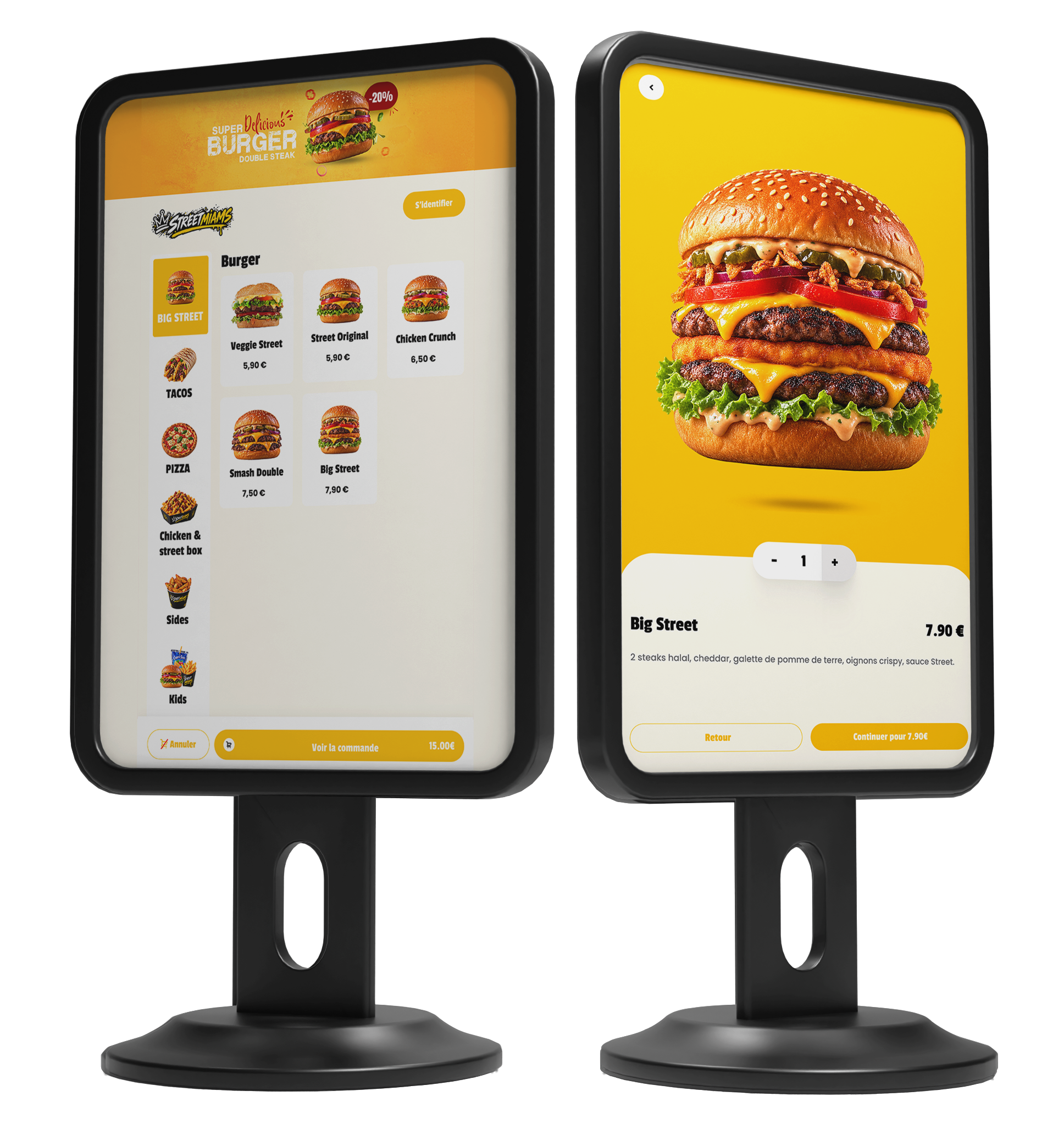
BeezPOS and BeezBO form Starter. Growth adds BeezC&C, BeezKitchen and BeezDisplay to connect digital ordering, preparation and customer information. For table service, 360 Suite includes BeezTable: guests order and pay from their table with a QR code, and orders join the restaurant flow through to the kitchen. A demo should test this scope using your own scenarios. Hardware, payment and support arrangements need to be established in the proposal.
Beez360
The Beez360 solution for this need
- BeezPOS · Touchscreen POSModern restaurant POS designed for in-store sales workflows.View the page
- BeezTable · QR code ordering at the tableOrder and pay at the table with a QR code, from the guest's phone, with no app.View the page
- BeezKitchen · Kitchen workflowKitchen display workflow to organize preparation and track orders.View the page

Captain Beez
See BeezPOS in your own setting.
Captain Beez and the Beez360 team walk you through BeezPOS on your own workflows: your menu, your organisation and your teams.
See BeezPOS in a demoCompare the options
Scroll horizontally to read the full table.
| Criterion | Standalone POS | Connected ecosystem |
|---|---|---|
| Ordering | Test counter sales | Also test movement between channels |
| Catalog | Check updates on each terminal | Check central and local rules |
| Kitchen | Clarify how orders reach preparation | Follow variants, sources and statuses |
| Multi-site | Assess exports and reconciliation | Assess consolidation and access rights |
| Total cost | Include complementary tools | Clarify which modules are included |
Your checklist before choosing
- List sales channels and variants.
- Test an end-to-end scenario with staff.
- Check hardware, payment and connectivity.
- Obtain applicable evidence for the version.
- Compare total costs and exit terms.
- Prepare training, a pilot and acceptance criteria.
Worth sharing
Could this guide help your team or network?
Send it to the relevant people to support your next decisions.