
The short answer
How do you choose software to manage several restaurants?
To manage several restaurants, first define shared rules and decisions owned by each site. Then test catalog distribution, permissions and consolidated sales reporting in a pilot. Expand when these scenarios work for both headquarters and local teams.
Editorial review: · BINOV (opens in a new tab)
How should head office and sites share responsibilities?
Identify who manages products, variants, allergens and promotions; who configures devices; and who can access each restaurant's sales. Document local exceptions and their approval process. Technical centralization alone does not establish network governance.
Use representative profiles in the demo: network manager, operator and team member. Test permitted and restricted actions for each. One person may work across several sites; include that case in project scoping.
How do you make metrics comparable across restaurants?
Define a shared approach to sales reporting: period, location, channel and reconciliation rules. Check that managers understand differences between local and consolidated views. A useful network total should be reconcilable with restaurant data.
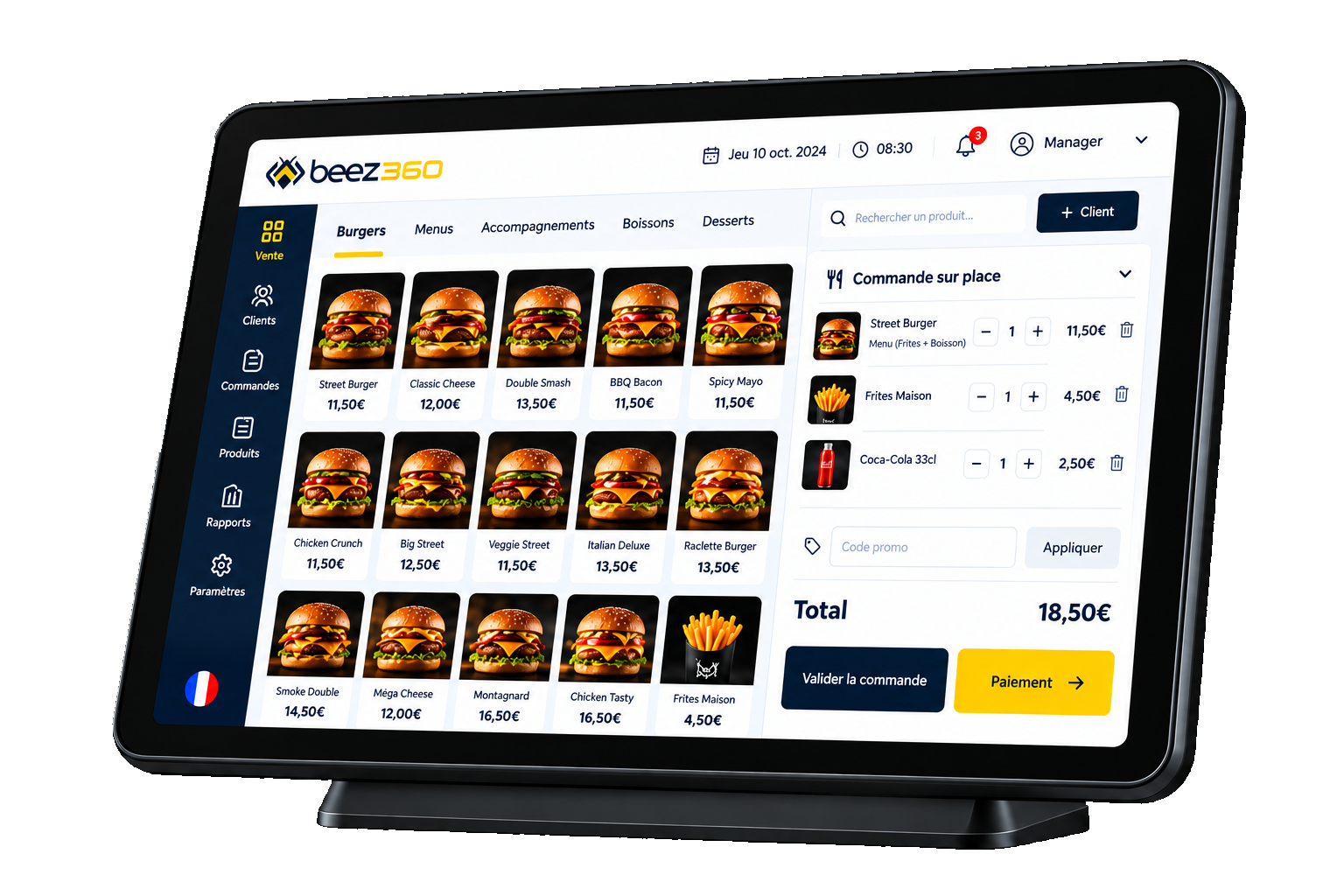
Request a demonstration of a catalog update and sales reporting by restaurant. BeezBO publishes centralized products, variants, allergens, promotions, access rights and multi-site dashboards. Specific approval workflows need project validation.
Which architecture suits your constraints?
A shared platform supports a common foundation; a dedicated arrangement may address particular isolation or governance needs. Compare operational responsibilities, access management, update arrangements and costs. Do not select a model by its name alone.
Discuss IT constraints, geographic scope and systems to connect with the Beez360 team. Azure SaaS architecture and deployment options depend on the project. No unpublished integration or specific service-level commitment should be assumed included.
How do you roll the software out across the network in phases?
Choose a representative pilot without combining every network exception. Prepare the catalog, devices, access and training. Validate the complete journey from ordering to reporting with both operational and head-office owners.
Record gaps, resolutions, acceptance criteria and a fallback procedure for incidents. Schedule rollout waves sized to your support capacity. A validated configuration still needs assessment when the restaurant format changes.
Where does Beez360 fit in your organization?
BeezBO and BeezPOS form the management and sales foundation. Ordering, kitchen and display modules can extend that scope. BeezAI is added around your needs and your data; BeezWA remains upcoming and should not be critical dependencies for a rollout based on available features.
Beez360
The Beez360 solution for this need
- BeezBO · Central back officeCentral back office to configure, monitor and manage restaurant operations.View the page
- Multi-location restaurant and franchise softwareManage restaurants and franchises with Beez360: a central catalogue, location permissions, sales reporting and a phased rollout of connected modules.View the page

Captain Beez
See BeezBO in your own setting.
Captain Beez and the Beez360 team walk you through BeezBO on your own workflows: your menu, your organisation and your teams.
See BeezBO in a demoCompare the options
Scroll horizontally to read the full table.
| Responsibility | Network framework | Site validation |
|---|---|---|
| Catalog | Define shared rules | Test variants and exceptions |
| Access | Define roles and scope | Check actual workflows |
| Reporting | Choose shared metrics | Reconcile site sales |
| Hardware | Define useful standards | Check space and connectivity |
| Rollout | Plan waves and support | Train and validate each site |
Your checklist before choosing
- Document head-office and site responsibilities.
- List local exceptions.
- Test profiles and access rights.
- Reconcile pilot dashboards and sales.
- Validate connectivity, hardware and training.
- Plan rollout waves with acceptance criteria.
Worth sharing
Could this guide help your team or network?
Send it to the relevant people to support your next decisions.