
The short answer
When is a restaurant self-ordering kiosk worth it?
A kiosk is worth assessing when ordering is a bottleneck and the kitchen can handle the flow. Evaluate payback using your costs and actual contribution margin, then run a pilot. Do not assume either a higher basket or a shorter wait.
Editorial review: · BINOV (opens in a new tab)
How do you identify the right kiosk use case?
The right use case depends on where the queue forms, how readable the menu is and how much help customers can get. Observe a busy service: are customers waiting to order, pay or collect? A kiosk adds an ordering point but does not automatically resolve a kitchen bottleneck. Record requests for help, menu readability and the needs of customers who prefer the counter.
Self-service can be considered in quick-service restaurants, bakeries or food courts. The operating context matters more than the business label: understandable choices, circulation space and staff available to help first-time users.
How do you calculate kiosk payback?
Compare initial investment with net monthly benefit after recurring costs, and build several scenarios using your own data. Separate initial investment in hardware, installation and training from recurring software, maintenance, payment and connectivity costs. Estimate net monthly benefit using additional contribution margin and observed savings after incremental recurring costs.
The theoretical payback period is initial investment divided by net monthly benefit, only when that benefit is positive and sufficiently stable. Build cautious, central and adverse scenarios using your own data. Time freed at the counter is not a payroll saving if staffing costs remain unchanged.
Do not count an order moved from the counter to the kiosk as a new sale. Measure total restaurant transactions, margin and kitchen workload, rather than only revenue through the new channel.
How should the kiosk connect to the POS and kitchen?
Check menus, variants, promotions and transmission to preparation. Place an order with several options, then follow its status through collection. Ask which steps still require manual intervention.
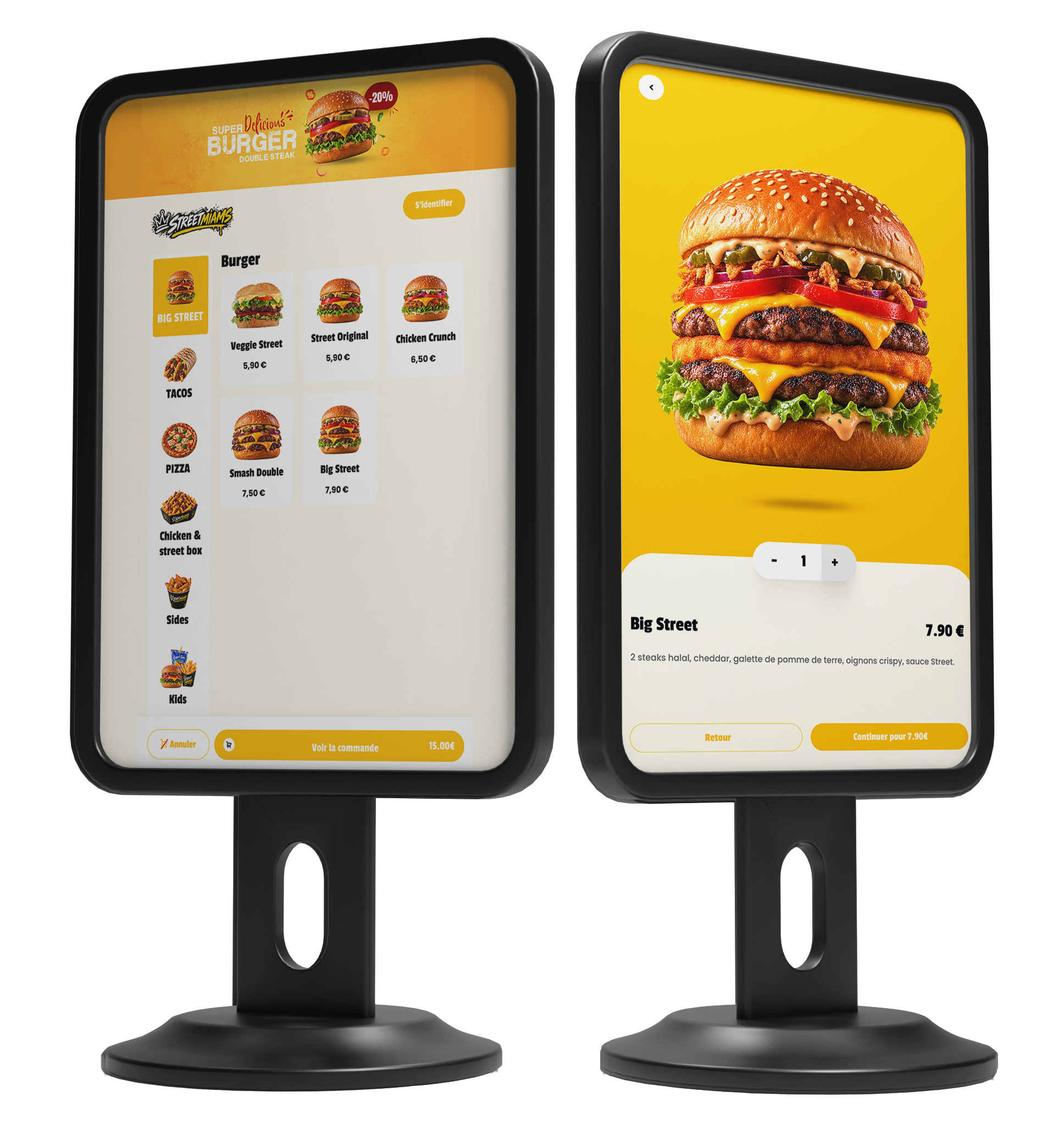
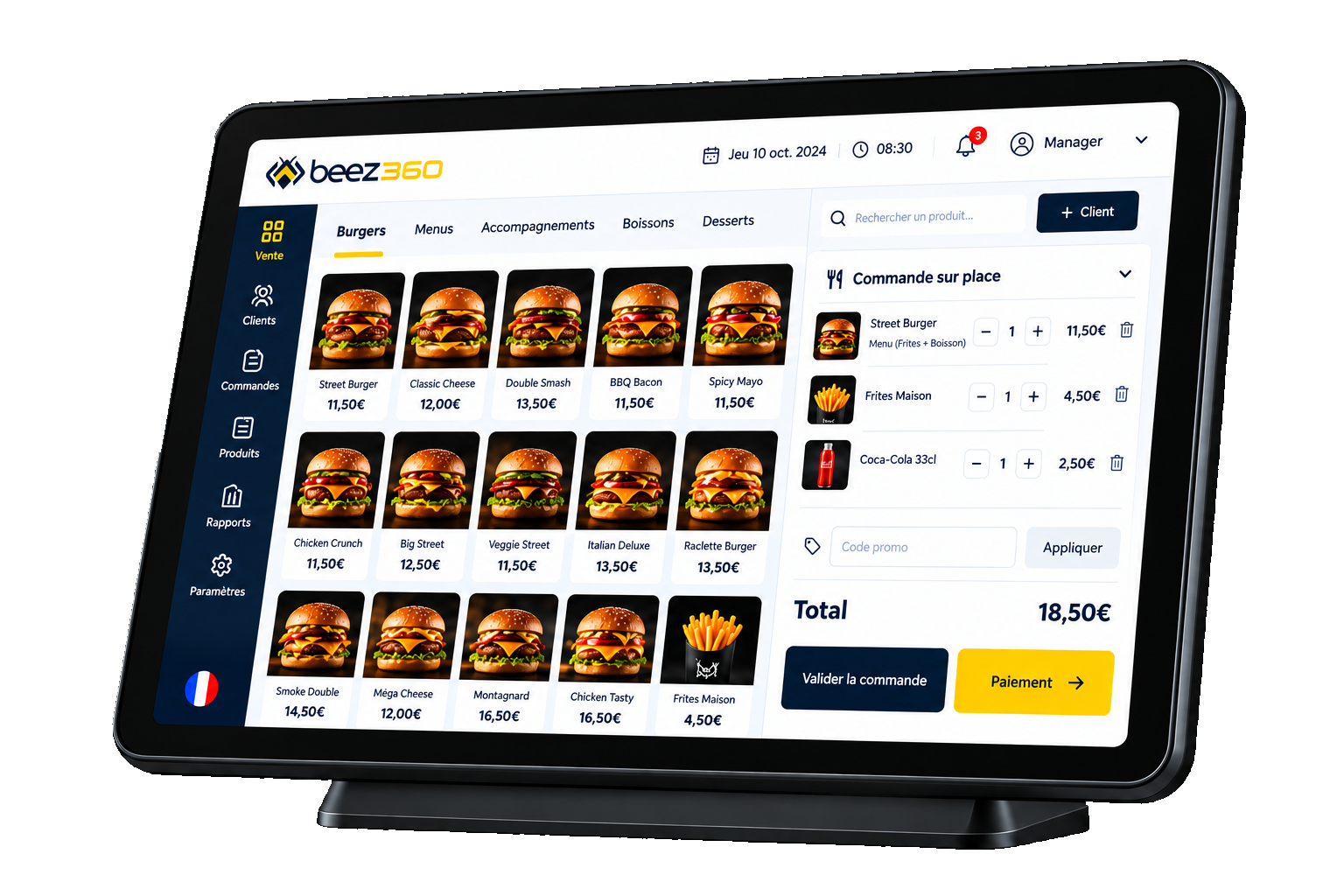
BeezKiosk sits within Beez360 alongside BeezBO for catalogs, BeezPOS for counter ordering, BeezKitchen for preparation and BeezDisplay for customer status. Product suggestions are published features; assess their commercial effect using your own menu.
How do you run a measurable pilot?
Choose comparable services before and after installation: matching hours, documented seasonality, known promotions and staffing. Track ordering wait, collection wait, abandoned orders, requests for assistance and contribution per service.
Set expansion or adjustment criteria in advance: adoption, kitchen workflow, readability and full cost. Plan training and appoint a pilot owner. A queue that moves to collection deserves investigation before a network rollout.

Captain Beez
See BeezKiosk in your own setting.
Captain Beez and the Beez360 team walk you through BeezKiosk on your own workflows: your menu, your organisation and your teams.
See BeezKiosk in a demoCompare the options
Scroll horizontally to read the full table.
| Decision point | Separate kiosk system | Kiosk within an ecosystem |
|---|---|---|
| Catalog | Check duplicate maintenance | Check how changes are distributed |
| Preparation | Identify manual handoffs | Follow orders into the kitchen |
| Payment | Validate terminal and contract | Validate the proposed journey |
| Reporting | Reconcile sales by channel | Assess consolidated reporting |
| Continuity | Define a fallback process | Check each network dependency |
Your checklist before choosing
- Observe where the queue forms.
- Check space, circulation and readability.
- Test menus, variants and suggestions.
- Validate hardware, payment and connectivity.
- Calculate initial and recurring costs.
- Measure margin and total activity in a pilot.
Worth sharing
Could this guide help your team or network?
Send it to the relevant people to support your next decisions.