
The short answer
How do you build commission-free online ordering?
Commission-free online ordering complements the delivery platforms rather than replacing them: the platforms help customers discover you, your own ordering site builds loyalty. Offer it wherever people look for you (website, Google Business Profile, social media, a QR code in store and on your bags), give customers a simple reason to order direct, stay in touch with their consent and bring every order into a single kitchen queue. Start with pickup, then expand if your team can keep up.
Editorial review: · BINOV (opens in a new tab)
Why build your own direct online ordering?
Delivery platforms introduce your business to customers who would not have found you on their own. In return, every order placed through them follows their commercial terms, usually a commission, and the platform keeps the relationship with the customer. Direct online ordering, on an ordering site under your own brand, opens a second route: customers order from you, at the prices and on the terms you set.
With no commission paid to an intermediary, more of what the customer pays stays with you. Commission-free does not mean cost-free, though: allow for the ordering tool, online payment fees and the time spent promoting the service. Compare these costs with those of your other channels, using your own figures.
Direct ordering also gives you back the customer relationship: you know who orders, what and when. And your business presents itself with its own menu, photos and words, rather than in a list of other brands.
Should you leave the delivery platforms?
Not necessarily. The platforms remain a useful shop window: they show you to local customers who don’t know you yet, and they handle delivery if you don’t deliver yourself. Leaving them overnight means risking the loss of those new customers.
The two channels work together: discovery on one side, loyalty on the other. A customer finds you on a platform, enjoys your food, and their next order can come to you direct if they know it’s possible. The aim is not to pit the channels against each other, but to give your regulars a reason and a simple way to order from you.
Read the terms of your platform contracts before launching your promotion, especially before slipping anything into the orders they deliver.
Where should you offer online ordering?
Wherever your customers already look for you. On your website, place an order button where it is visible from the home page. On your Google Business Profile, add the ordering link alongside up-to-date opening hours and photos. On social media, put the link in your profile and repeat it whenever you show your products.
In store, a QR code takes customers straight to the ordering page: in the window, at the counter, on bags, boxes and receipts. Check that it opens the menu, not just your website’s home page.
Keep a short web address, the same everywhere, that the team can also give out at the counter or over the phone. Many customers order from their phone: test the whole journey on a mobile before you promote it.
How do you make ordering direct appealing?
Customers need a reason to change their habits. Offer a small extra reserved for direct orders: a free item, priority pickup without queuing at the counter, a menu or a recipe available only from you. Choose a perk that is simple for the team to apply and sustainable for your margin, then announce it next to the ordering link.
Show clear prices: products, extras and any fees are visible before the order is confirmed, with no surprises at checkout.
Get the basics right: an up-to-date menu, accurate photos, unavailable items removed straight away and allergen information available before the order is confirmed. An order that is ready at the promised time remains the best argument for the next one.
How do you stay in touch with your customers?
Every direct order teaches you something: which products sell, at what times of the week, which customers come back. Use it to adjust the menu, pickup hours and staffing.
To send a marketing message by email or text, ask for the customer’s consent when they order and include a simple way to unsubscribe in every message. The data you collect is used for what the customer agreed to, nothing more.
Send messages that are useful and infrequent: a new product, a change in opening hours, the return of a popular item. A few welcome messages are worth more than frequent reminders that push people to unsubscribe.
How do you keep the kitchen calm as channels multiply?
Every new channel adds orders to the same service. If each one arrives on its own screen or tablet, the team has to rebuild the preparation order itself, just when it has the least time.
Bring orders together in a single queue, in the order they need to go out, with a kitchen display showing where each order came from and how far along it is. As long as a channel arrives separately, decide who keeps an eye on it and how its orders take their place in preparation.
Organise pickup too: hours that match your preparation capacity, a clearly marked pickup area and the customer’s name or order number on every bag. Avoid steering pickups towards the moment the counter is already overloaded.
Delivery: should you deliver yourself?
Start with pickup, or click and collect: it is the simplest to organise, with no drivers or delivery area to manage, and the customer comes into your shop.
In-house delivery takes real organisation: employed drivers or a contractor, vehicles, a delivery area and times you can keep, delivery charges to set, packaging that survives the journey and suitable insurance. It makes sense when volume and staffing allow; until then, the platforms remain a way to deliver.
If you deliver yourself, delivered orders go through the same kitchen and the same queue as the others. With BeezC&C, the ordering journey can cover delivery; drivers and delivery arrangements remain to be scoped for your project.
Beez360: selling direct, from order to kitchen
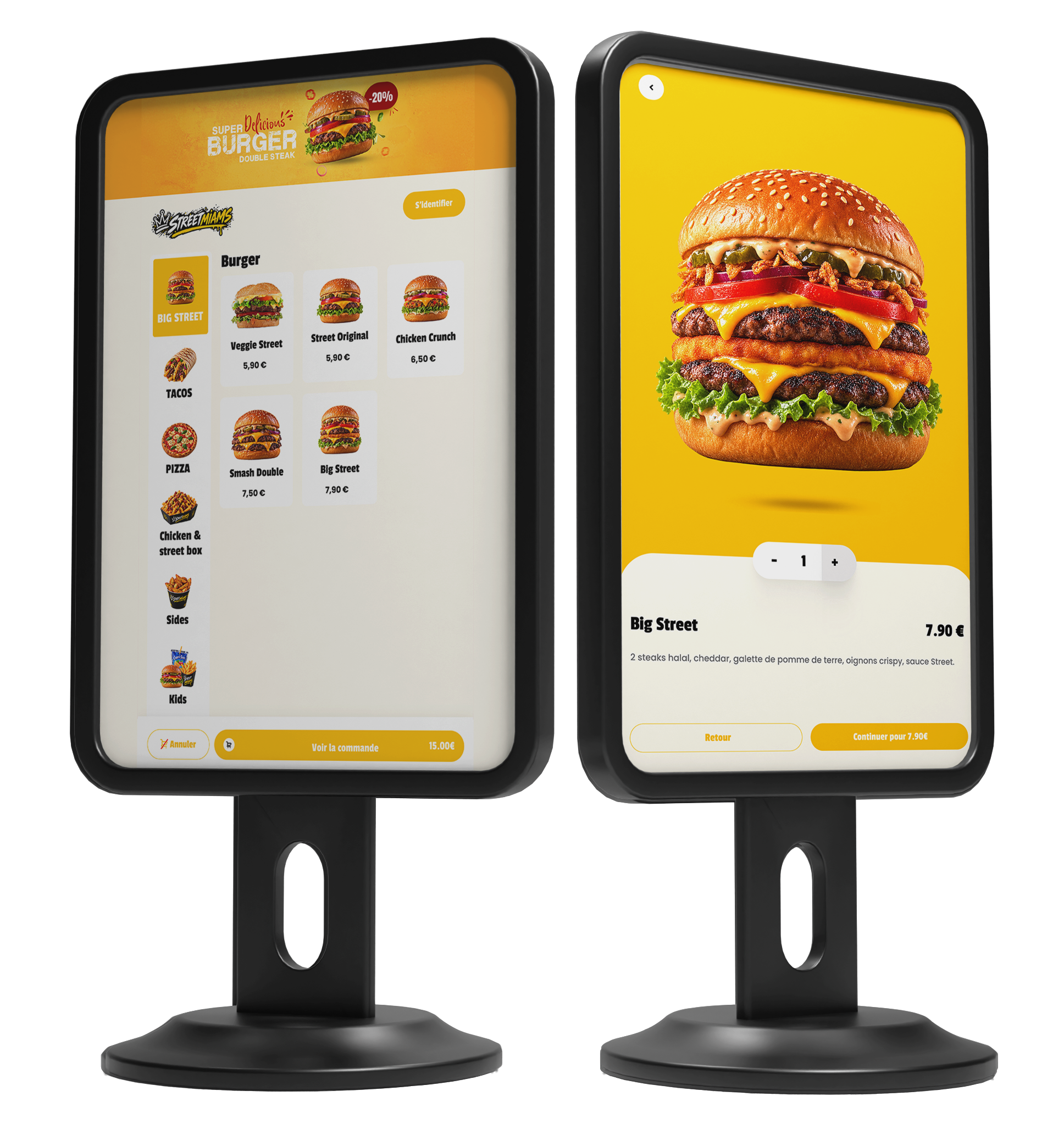
BeezC&C is the Beez360 web channel: your customers order on a site in your colours, without going through a marketplace, from their browser and with no app to install. They choose the date and time of their pickup, and can pay online or on pickup.
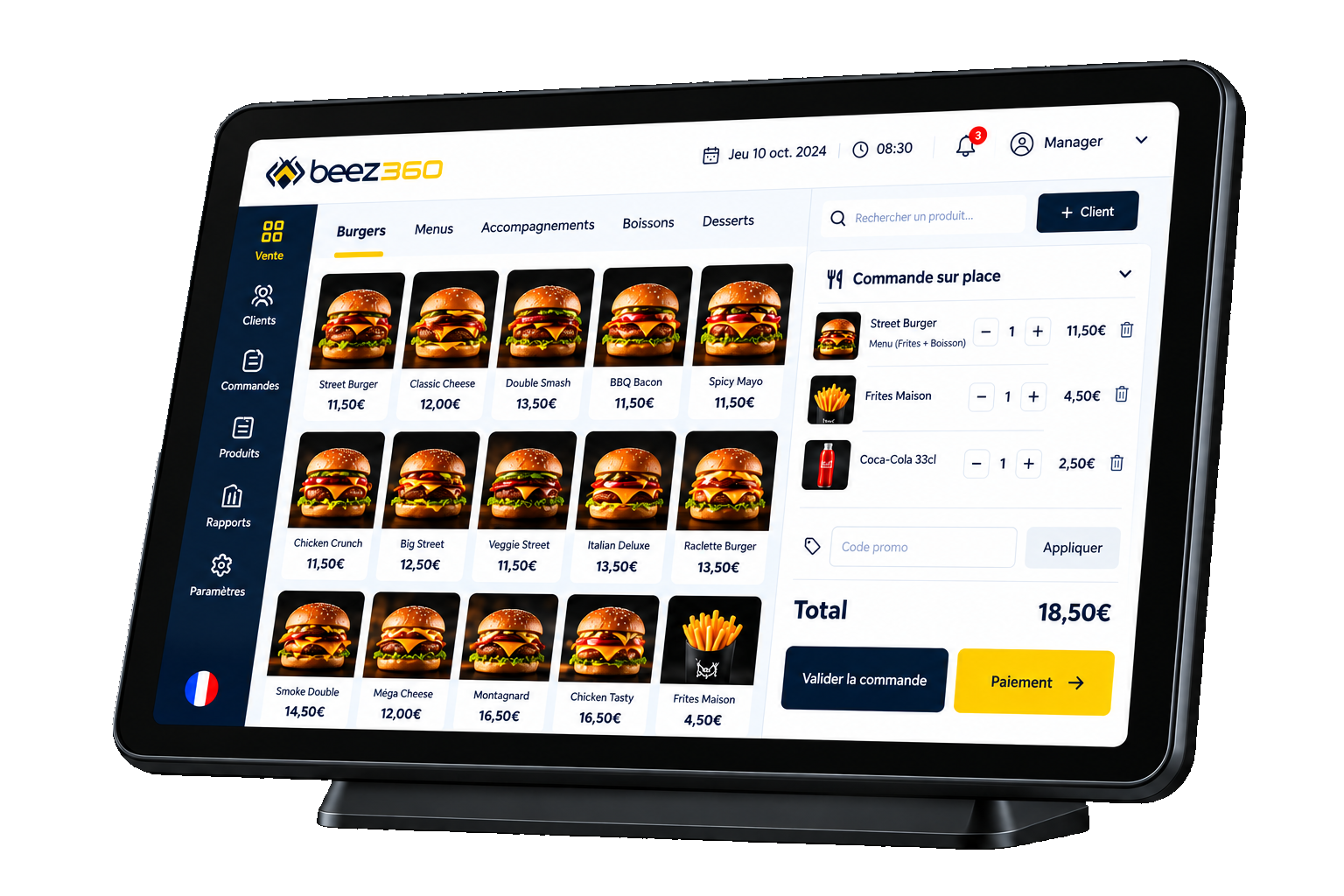
The catalogue, options, allergens and promotions are managed in BeezBO: products and prices are the same online as on the BeezPOS till, where the team can link a customer to their order and see their history. Orders from the till, the kiosk and the web appear on the BeezKitchen kitchen display, with their source, status and a time indicator.
Orders from delivery platforms do not reach Beez360 yet: their integration is under development in BeezBO and BeezPOS. BeezPOS and BeezBO make up the Starter package, while BeezC&C and BeezKitchen are part of Growth; details are on the packages page and the scope is confirmed during the demo.
Test my workflow in a demoBeez360
The Beez360 solution for this need
- BeezC&C · Click & collectClick & collect to capture digital orders without fragmenting operations.View the page
- BeezPOS · Touchscreen POSModern restaurant POS designed for in-store sales workflows.View the page
- BeezKitchen · Kitchen workflowKitchen display workflow to organize preparation and track orders.View the page
- BeezBO · Central back officeCentral back office to configure, monitor and manage restaurant operations.View the page

Captain Beez
See BeezC&C in your own setting.
Captain Beez and the Beez360 team walk you through BeezC&C on your own workflows: your menu, your organisation and your teams.
See BeezC&C in a demoCompare the options
Scroll horizontally to read the full table.
| Topic | Platforms only | Platforms and direct ordering | Direct ordering only |
|---|---|---|---|
| New customers | Platform users, on the platform’s terms | Platforms for discovery, direct channel for regulars | Up to you to attract: shop window, Google Business Profile, social media |
| Cost of orders | According to the platform’s commercial terms | Platform terms on some orders, no intermediary commission on the rest | No intermediary commission; ordering tool and online payment fees |
| Customer relationship | On the platform’s terms | Customer known on direct orders | Customer known on every order |
| Brand image | Your menu among other brands | Your own branded site, alongside your platform presence | Your site, your menu, your photos |
| Delivery | According to the platform’s offer | Platforms for delivery, pickup or in-house delivery for direct orders | Pickup, or delivery you organise yourself |
| In the kitchen | Orders received on the platform’s tool, depending on available integrations | Several channels to bring into one queue | A single queue if the site is connected to the till |
Your checklist before choosing
- Choose an ordering site under your brand, connected to the till and the kitchen.
- Put the menu online with prices, photos, extras and allergens.
- Add the ordering link to your website, Google Business Profile and social media.
- Place a QR code in the window, at the counter, on bags and receipts.
- Choose a perk reserved for direct orders that is simple to apply.
- Get the customer’s consent before any marketing message.
- Bring orders into a single queue and set pickup hours.
Worth sharing
Could this guide help your team or network?
Send it to the relevant people to support your next decisions.