
The short answer
How do you increase a restaurant’s average ticket?
Measure it first, by channel and by hour. Then work on the menu (meals, sizes, paid extras), and offer an add-on at the right moment, when the cart is confirmed or at the counter. Compare equivalent periods before rolling out an action: no lever guarantees a gain, and margin matters as much as the ticket amount.
Editorial review: · BINOV (opens in a new tab)
How do you calculate and track the average ticket?
The average ticket, or average order value, is revenue divided by the number of orders over the same period. Decide once and for all on the basis (excluding or including tax) and how refunds are handled, otherwise your comparisons will mean nothing.
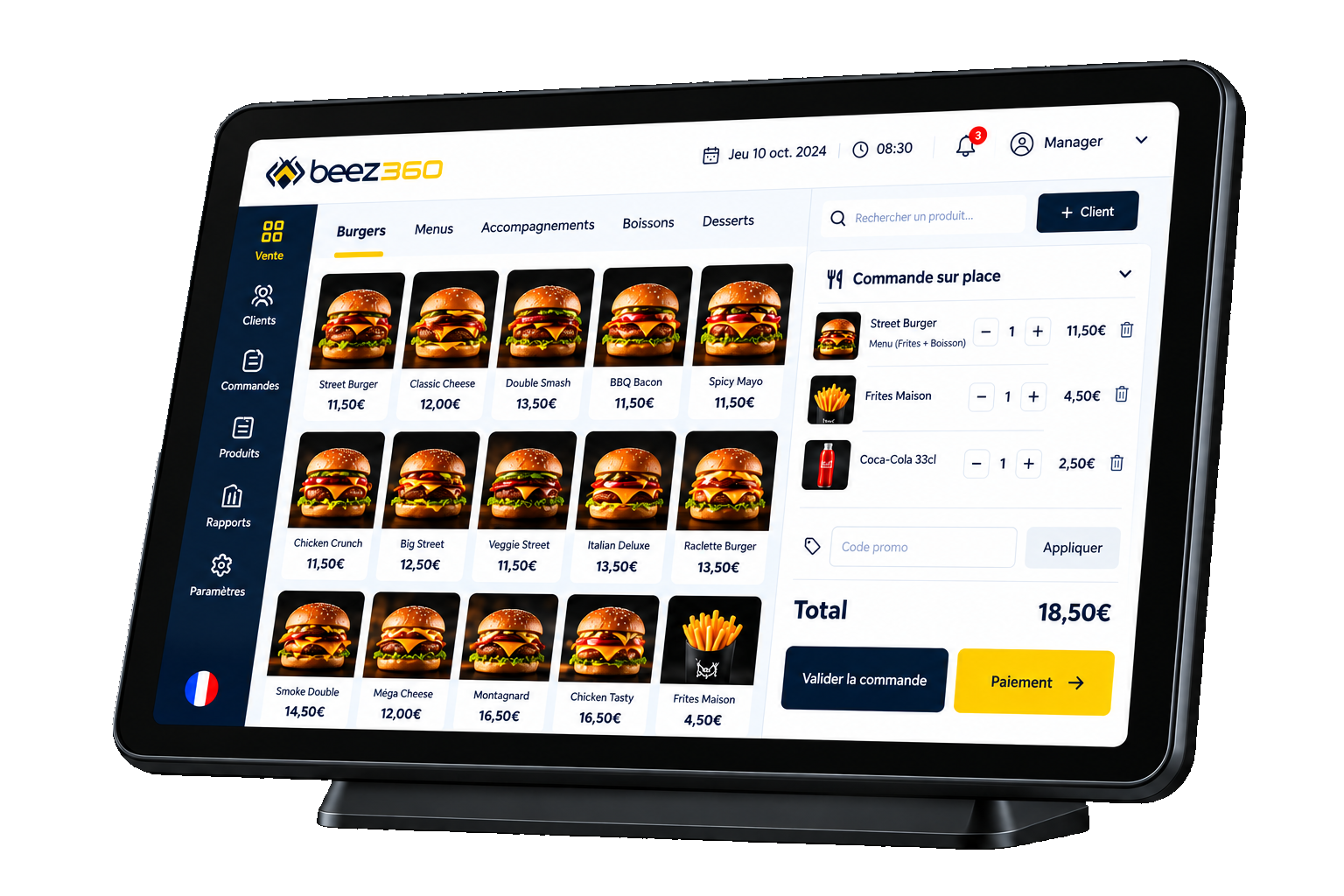
A single figure hides gaps: the lunch ticket is not the dinner ticket, and an online order does not look like a counter order. In Beez360, BeezBO reporting shows the average ticket per location and consolidated, with sales by channel, by hour and by product.
Building a menu that guides the choice
The menu is the first lever, before any sales technique. A meal that combines a main, a side and a drink makes the decision easier. Different sizes let customers match their appetite. Clearly displayed extras, with their price, let them customize their dish.
Set simple rules for options: for example a number of included sauces, then each extra sauce charged, as on the kebab & tacos page. The same menu, defined once, applies to the kiosk, the till and online ordering.
Suggesting at the right moment, without pushing
A suggestion works better when it completes the order instead of interrupting it. The moment the cart is confirmed suits it well: customers have finished choosing and can see what is missing, a drink or a dessert. One or two consistent offers beat a long list.
With Beez360, upselling appears when the cart is confirmed on the kiosk, in click and collect and in the app, with the products you choose in BeezBO. At the counter, the team makes the suggestion: give them a simple phrase and a product to offer depending on the time of day.
Average ticket or frequency: keep them apart
A customer who comes back more often brings in more over the year, even if their ticket does not change. A loyalty program mainly acts on frequency; a discount granted in exchange for points can even lower the ticket of one order.
So look at total revenue and margin, not just the ticket. An extra sold at a loss or an overly generous discount can push the basket up while hurting the bottom line.
Measure before rolling out
Test one lever at a time, over comparable periods: same days, same hours, with no promotion or unusual event. Compare the average ticket by channel and the sales of the products involved, before and after.
Keep an eye on service: a suggestion that slows down counter ordering or an overloaded menu can slow the rush. The self-ordering kiosk guide explains how to run a measurable pilot.
Test my scenario in a demoCompare the options
Scroll horizontally to read the full table.
| Lever | What it changes | Watch out for |
|---|---|---|
| Meals and combos | Pairs a main, a side and a drink | Keep a healthy margin on the meal |
| Sizes and paid extras | Lets customers customize | Show prices clearly |
| Suggestion at checkout | Reminds of a drink or a dessert | One or two consistent offers |
| Advice at the counter | Fits the offer to the customer | Do not slow down service |
| Loyalty | Mainly acts on frequency | Account for the cost of the discount |
Your checklist before choosing
- Fix how the average ticket is calculated.
- Track it by channel, by hour and by location.
- Review meals, sizes and paid extras.
- Pick one or two suggestions per time of day.
- Test one lever at a time over comparable periods.
- Check margin and service time, not just the ticket.
Worth sharing
Could this guide help your team or network?
Send it to the relevant people to support your next decisions.